The whole desktop is one circle
Roundel OS is a small desktop for Debian stable. There is no menu bar and no dock along the edges. Your apps, your settings, the clock and the tray all live in one ring, which appears when you call it and goes away when you are done.
Free software under the GPL, version 3 or later. In beta: useful every day, and not finished.
What you get
Four things describe most of it. The rest of the site goes through them properly.
One ring
Push the pointer into the top-left corner, click the empty desktop, or press Super. The clock and the tray are in the middle, favourites round them, every other app a click further out.
A way back
On Btrfs, a snapshot is taken before and after every software change. Put one back from Settings, or from the boot menu if the computer will not start.
Apps on your terms
Nothing is chosen for you. The Store covers Flathub, Debian packages, AppImages and a few makers' own software sources.
Locked if you want
The Roundel Installer can encrypt the whole disk, opened by a password you type at the start or by this computer's own chip.
Mouse-first: everything is within reach of one hand on the mouse or trackball
Push the pointer into a corner and the ring opens under your hand. It is round, so nothing sits further away than anything else: you do not travel to one corner for the clock and the opposite corner for your apps.
That is the whole idea, and it runs the other way from the desktops that are fashionable at the moment, where the hands live on the keyboard and a good deal has to be memorised before the machine feels quick. Roundel asks you to remember nothing. There are keyboard shortcuts for people who like them, and every one of them is only a quicker way to do something you can already do by pointing at it.
Three edges that do things
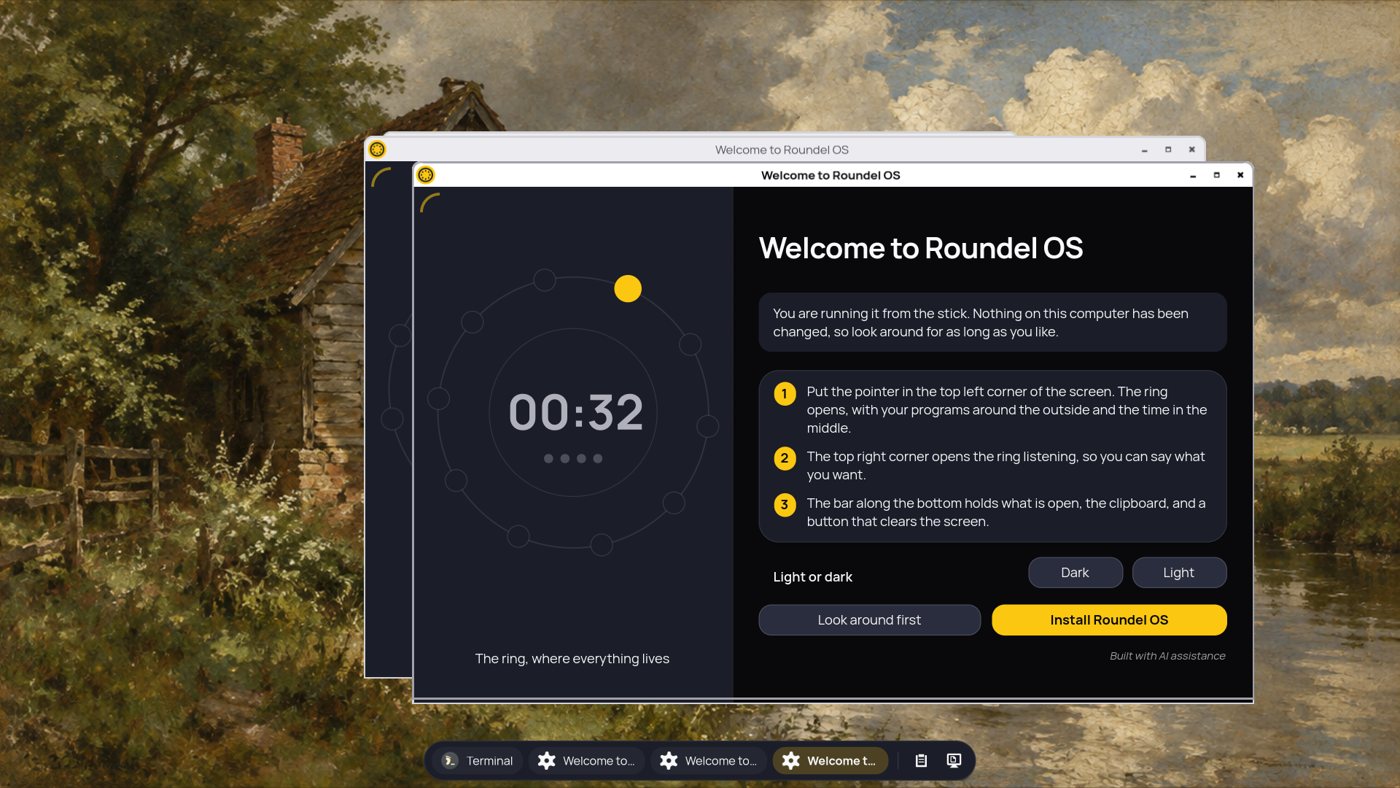
- Top-left corner: open the ring.
- Top-right corner: open it ready to listen, if voice control is added.
- Middle of the right edge: slide out the open windows.
Inside the ring
- Time and date in the middle.
- Sound, Bluetooth, network and battery beside them.
- All apps, and a keep-awake cup, below.
- Right-click any app for favourites, windows and uninstall.
And one slim panel along the bottom
The single thing that is not in the circle: a button for each open window, the clipboard, and a button that puts every window away. It can move to the top, sit left, middle or right, or hide until the pointer reaches the edge.
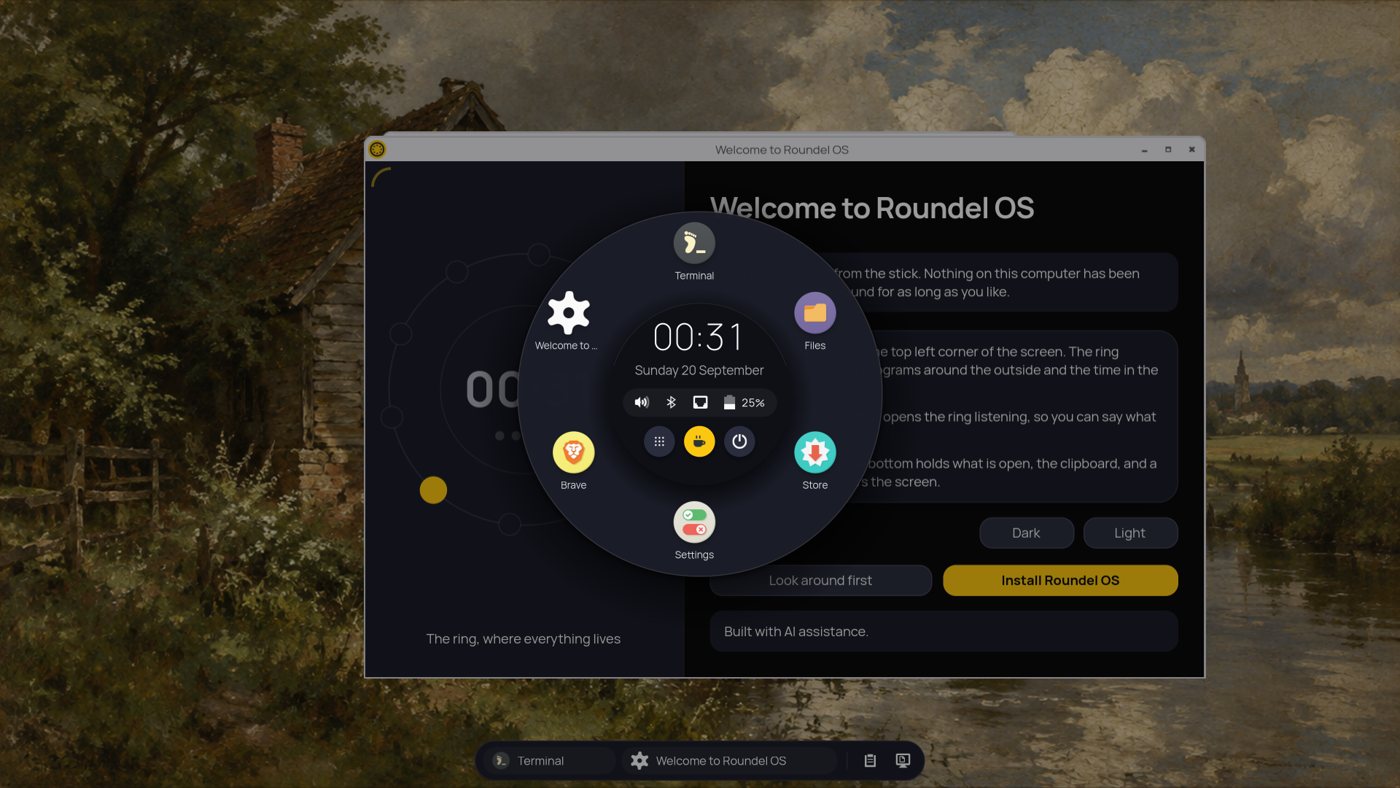
The ring open on the desktop: the time and tray in the middle, favourites and open apps round them, the panel along the bottom.
Light because there is less of it
About 200 MB of memory with nothing open. That is not a trick of measurement: there is simply not much running. One compositor, one program, and the services Debian already had.
No GNOME session, no Qt, no second desktop underneath. Xwayland is installed because labwc needs it, and starts only when an X11-only app opens a window. Every package goes on without its recommended extras, and the whole list is in the README.
The rest of it
Things that are easy to miss in a list of features.
Clipboard history
What you copied lately, newest first. Pin the lines worth keeping, forget one by itself, and choose when the rest is forgotten.
Sounds you choose
Logging in, logging out, the charger going in and coming out, the battery running low. Each has its own sound, or none.
Light and dark
Dark to start with. Pick Light in Settings when the sun is on the screen, and everything changes at once.
Voice, if you add it
An optional extra of about 150 MB. Hold the middle of the ring and speak. It is understood on this computer; nothing is sent anywhere.
Carry your settings
One backup file holds your apps, their data and your settings, and puts them back on another computer.
Keep the screen awake
Click the cup in the middle of the ring and the screen does not dim, lock, turn off or sleep until you click it again or log out.
Who it suits, and who it does not
Worth being straight about this before you put it on a computer.
It may suit you if
- You work mostly with a mouse or a trackball and would rather not learn shortcuts.
- You want a plain Debian underneath, with apt and Flatpak doing what they normally do.
- You want an old or small laptop to feel quick again.
- You like being able to undo an update and start again.
It may not, if
- You need a desktop that is finished and settled. Roundel OS is early and changes often.
- You rely on X11-only software, or on GNOME or KDE extensions.
- You want a store curated for you, with a browser and an office suite already there.
- You need support. There is a repository and an issue tracker, and no more than that.
Have a proper look
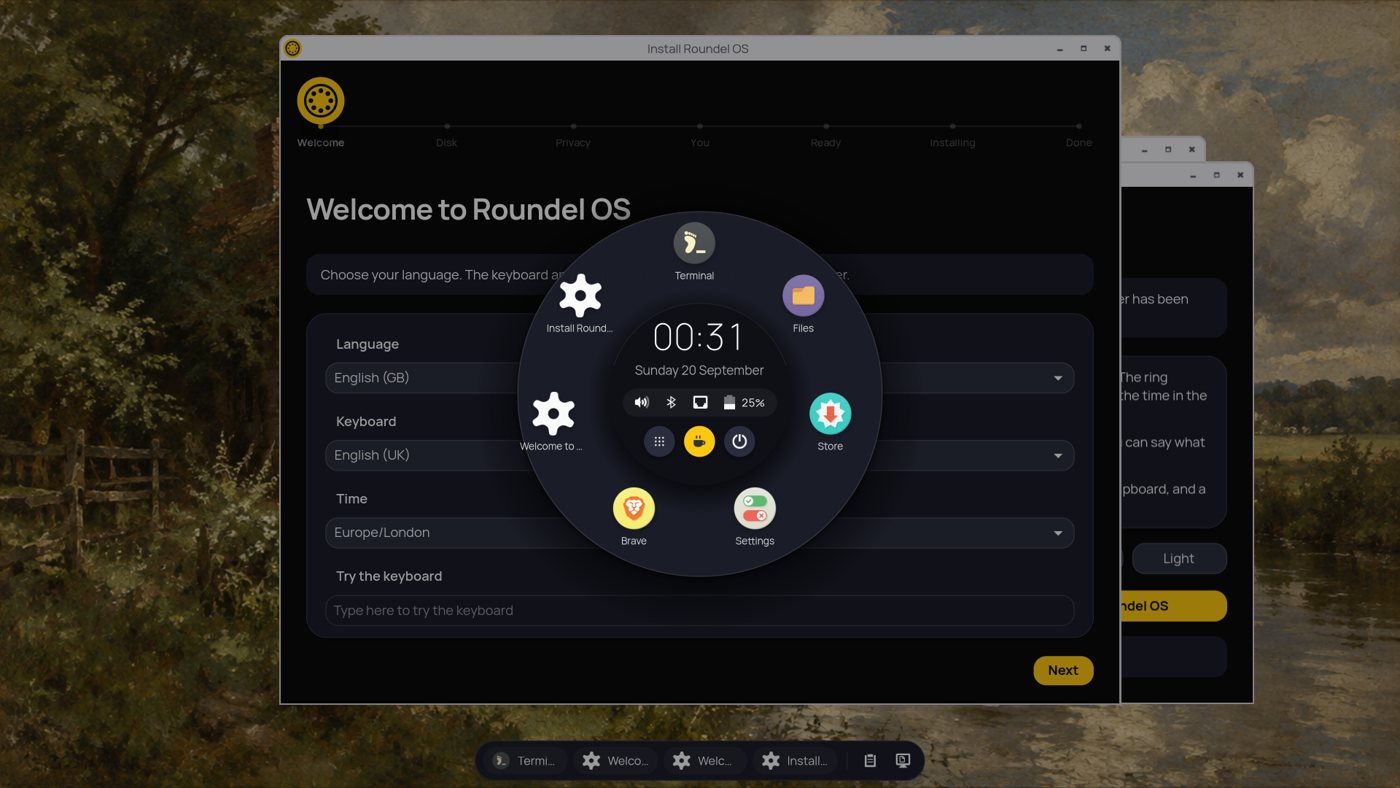
The tour goes through the ring, the panel, the quick panels, Settings, the Store, the clipboard and the rest, in the order you would meet them. The install page covers writing the image to a USB stick and every question the Roundel Installer asks.
Before you do: Roundel OS is in beta, so it should not be the only system on a computer you depend on. Installing it replaces what is on the disk you choose, or makes an existing partition smaller to fit beside it.